Create the child profile
Add your child and select Shared Device mode for the family phone or tablet.
 Get early access
 ● Shared-device protection for Android
Turn your family phone or tablet into a child-ready space, then return to your own apps with a Parent PIN.
Calmer phone handovers
Clear limits. Protected return.A calmer handover. A clearer limit. One shared device.
Shellimit is currently focused on shared Android phones and tablets.
HOW IT WORKS
Shellimit keeps the setup simple for families who share a device.
Add your child and select Shared Device mode for the family phone or tablet.
Choose the daily limit and decide which installed apps remain available.
Complete the protection setup, enter Child Mode and hand over with confidence.
SHELLIMIT FEATURES
Focused controls for the experience Shellimit supports today.
See time spent, time left and the daily limit at a glance while Child Mode is active.
Choose which user-installed apps your child can open on the shared phone or tablet.
Return to Parent Mode through a protected four-digit PIN flow.
Usage Access, Accessibility and Notification protection work together to support safer handovers.
Dedicated child-device and remote-parent controls are planned for a future phase.
Explore every featureA LOOK INSIDE SHELLIMIT
Illustrative previews. Final app screens may differ.
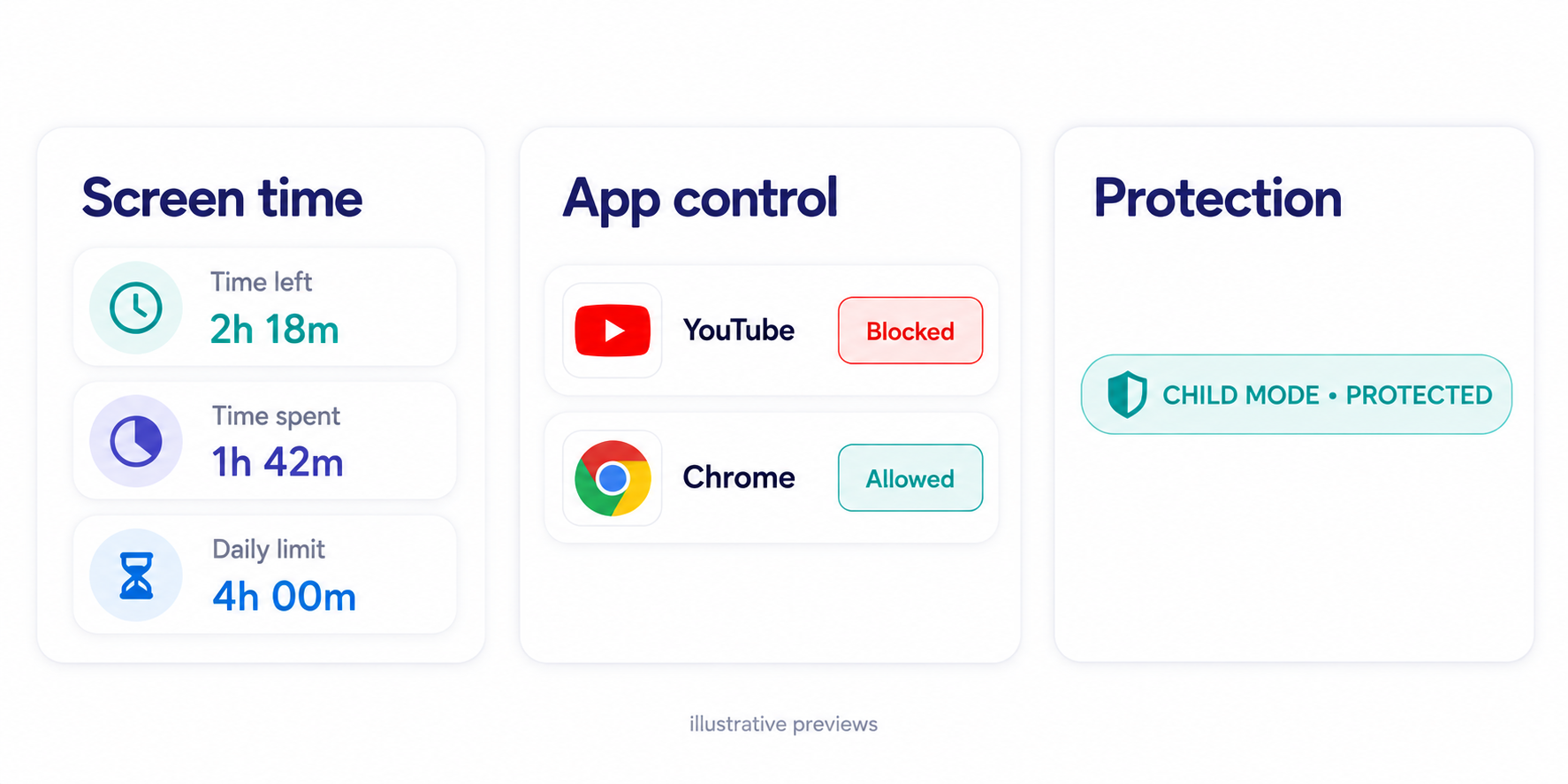
Screen time
A simple daily view makes limits and remaining time easy to discuss before handover.
App control
Decide which user-installed apps are available during Child Mode.
Protection
Clear status signals show when the protection layers are in place.
PARENTING TIPS
Practical, judgement-free guidance for ages 4–17—covering digital habits, screen time, safety, sports, sleep, learning and family life.
NEW RESOURCESearch words from chats, games and social media, then see what they may mean in context.
Open the Slang DecoderEARLY ACCESS
Contact us to hear when Shellimit becomes available for Android.